Are You Making These Common QuickBooks Bookkeeping Mistakes?
QuickBooks is an incredible tool: when used correctly. But here's the thing: even the smartest business owners can fall into bookkeeping traps that turn their financial records into a tangled mess. We see it all the time in our work with clients across the country, and the good news? Most of these mistakes are completely fixable.
Whether you're running your books solo or working with a bookkeeper, knowing what to watch out for can save you hours of cleanup, thousands in tax deductions, and a whole lot of stress come April. Let's walk through the most common QuickBooks mistakes we encounter: and how to avoid them.
1. Mixing Personal and Business Expenses
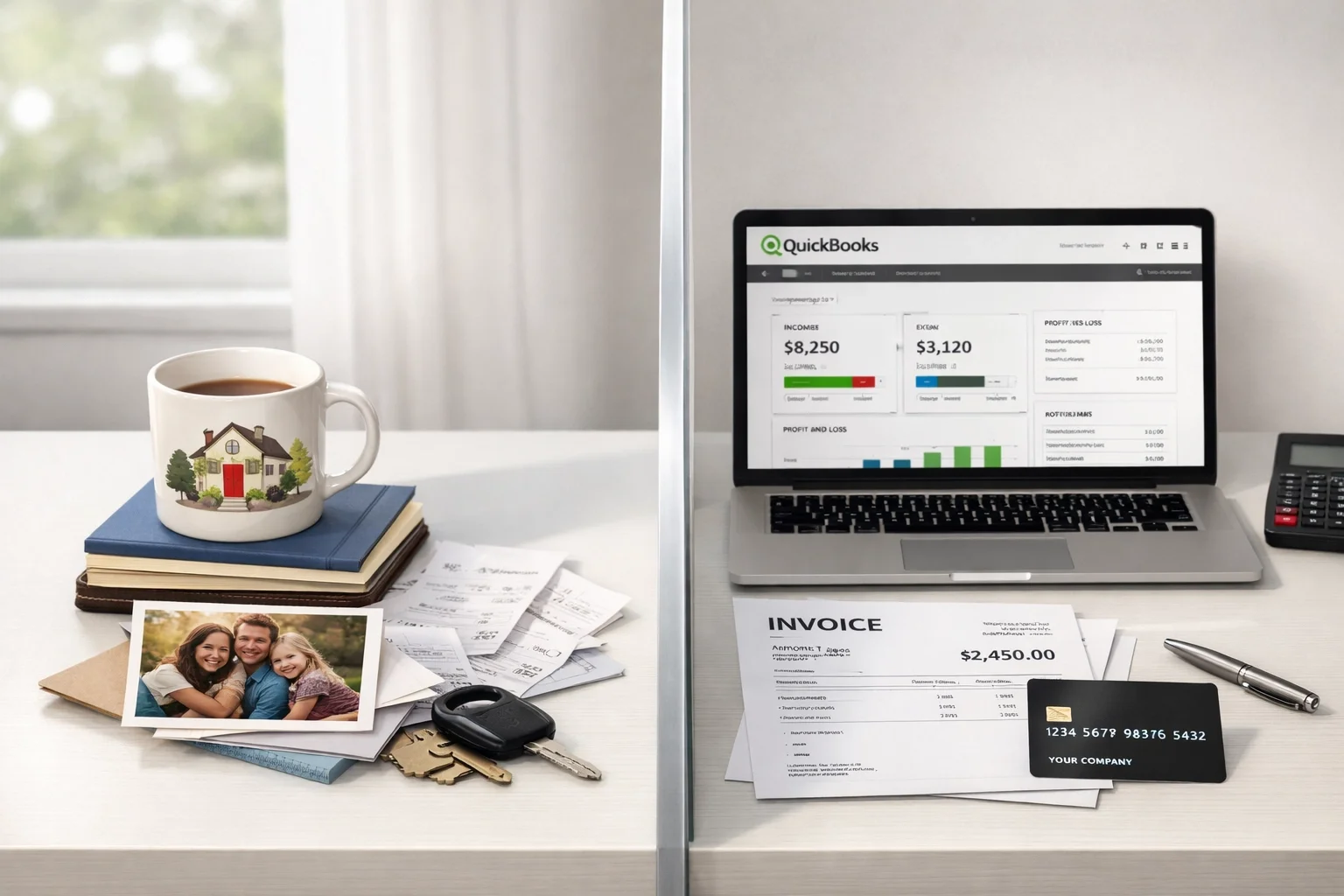
This is hands-down one of the most common mistakes we see, especially with newer business owners. You grab lunch and use your business card. Then you swing by Target and use the same card for household items. Before you know it, your business expenses include diapers, dog food, and a new coffee maker for your kitchen.
Here's why this matters: mixing personal and business transactions makes it nearly impossible to get an accurate picture of your business profitability. It also creates headaches during tax time and can raise red flags if you're ever audited.
The fix: Keep separate bank accounts and credit cards for business and personal use: no exceptions. If you accidentally use the wrong card, categorize that transaction as an "Owner's Draw" or "Personal Expense" in QuickBooks rather than trying to justify it as a business expense. Your accountant (and your stress levels) will thank you.
2. Duplicate Entries (The Bank Feed Trap)
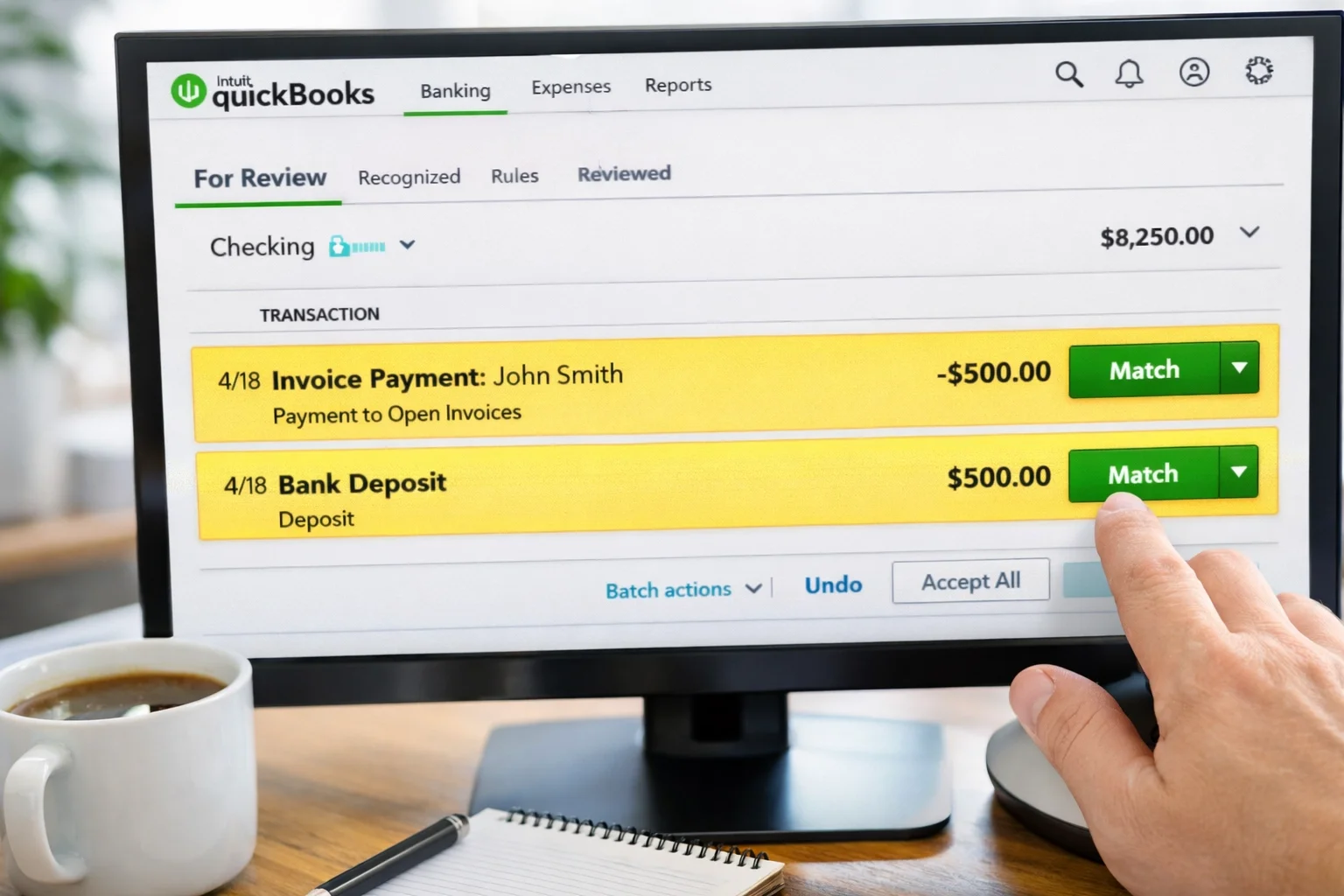
Bank feeds are one of QuickBooks' best features: until they become your worst nightmare. Here's the classic scenario: you create an invoice, the client pays, and the payment shows up in your bank feed. Instead of matching that deposit to your existing invoice, you accidentally add it as brand-new income. Congratulations, you've just doubled that revenue in your books.
The same thing happens with bills. You enter a bill in QuickBooks, pay it, and then when the transaction comes through your bank feed, you record it again as a new expense. Now you've paid that vendor twice: at least according to your books.
Why this hurts: Duplicate entries inflate your income and expenses, throw off your profit margins, and can lead to serious tax miscalculations. You might think you made more (or spent more) than you actually did.
The fix: Always use the "Match" or "Find Match" function in your bank feeds. When you see a transaction that corresponds to an existing invoice or bill, match it instead of adding it as new. Take a few extra seconds to review each transaction before clicking "Add": it'll save you hours of cleanup later.
3. Forgetting to Reconcile (Or Doing It Wrong)
If we had a dollar for every time a new client told us, "I haven't reconciled in six months," we'd be writing this from a beach somewhere. Reconciliation is the process of making sure your QuickBooks records match your actual bank statements: and it's non-negotiable.
When you skip reconciliation, you miss errors. Duplicates slip through. Transactions get coded to the wrong month. And that little "Reconciliation Discrepancy" adjustment that QuickBooks suggests? That's not fixing the problem: it's sweeping it under the rug.
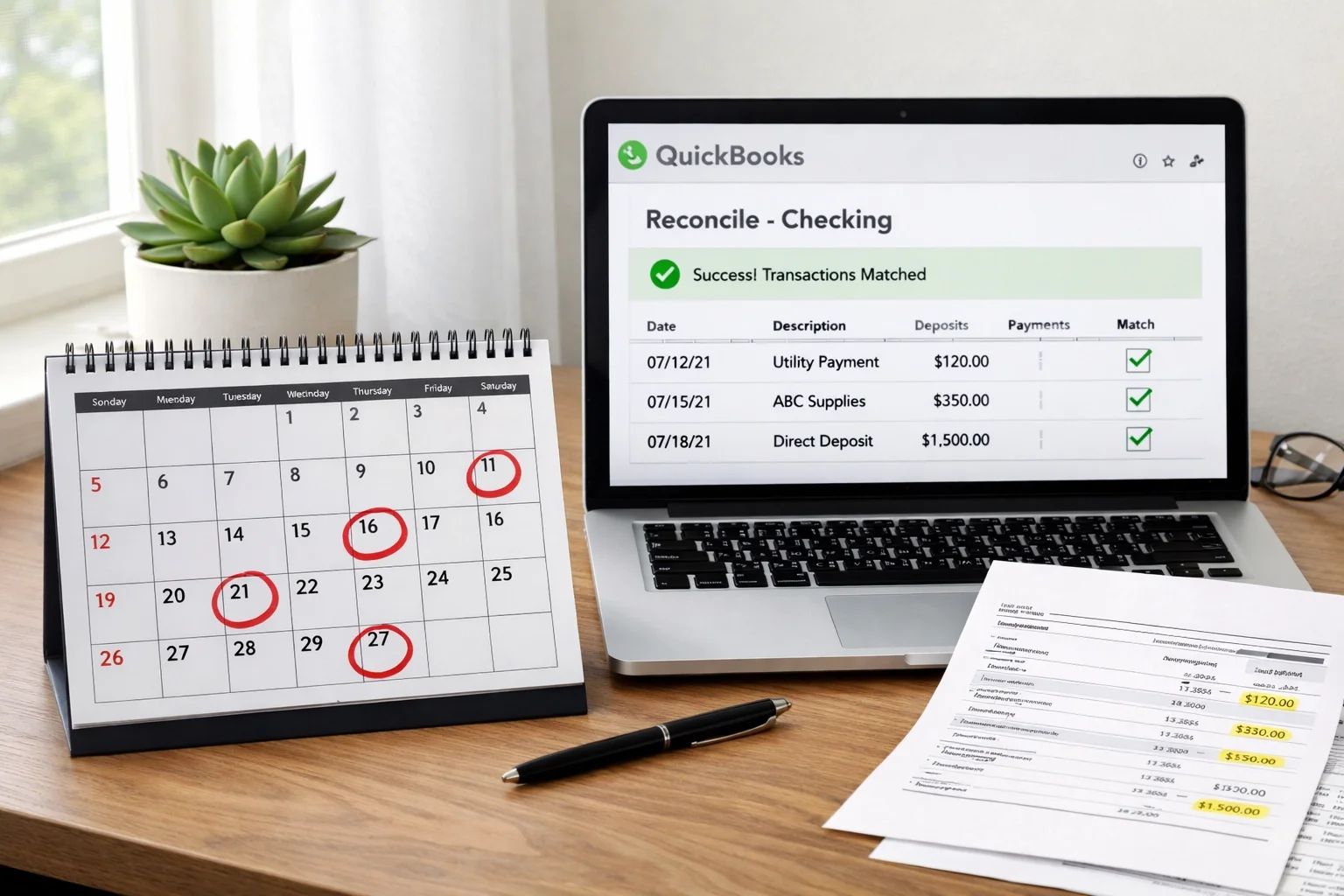
The fix: Reconcile every account, every month. Mark your calendar. Set a reminder. Make it a ritual with your morning coffee. And when your beginning balance doesn't match, don't just force it to balance with an adjustment: dig in and find the actual discrepancy.
Once you've reconciled a period, lock it using QuickBooks' "Close the Books" feature. This prevents accidental changes to past months that would throw off your reconciliations going forward.
4. Incorrect Categorization of Transactions
This one seems minor until tax time rolls around and your accountant asks why you have $15,000 in "Office Supplies" and nothing in "Advertising." Miscategorizing transactions: or worse, posting everything to generic catch-all accounts: makes your financial reports practically useless.
Common categorization mistakes include:
Recording loan payments as expenses (instead of splitting between principal and interest)
Posting owner withdrawals as business expenses
Mixing up similar expense categories inconsistently
Recording asset purchases as expenses instead of capitalizing them
Why it matters: Your Profit & Loss statement should tell you exactly where your money is going. If half your expenses are in "Miscellaneous" or the wrong category, you can't make informed decisions about your business. Plus, you might miss out on legitimate tax deductions or trigger audit flags by claiming expenses incorrectly.
The fix: Keep your Chart of Accounts clean and simple. Create clear categories that make sense for your business, and use them consistently. When in doubt, ask yourself: "If I'm looking at this six months from now, will I know what this transaction actually was?"
And here's a pro tip: assign a vendor or customer name to every transaction. It makes tracking patterns and catching errors so much easier.
5. Not Matching Deposits to Invoices
This mistake is a close cousin of the duplicate entry problem, but it deserves its own spotlight. You send an invoice to a client, they pay it, and when the deposit hits your bank account, you record it as new income without connecting it to the original invoice.
The result? QuickBooks thinks the invoice is still unpaid. Your Accounts Receivable report shows money you've already collected. You might even try to bill the client again because the system says they owe you. Talk about awkward.
The fix: When recording deposits in QuickBooks, always use the "Receive Payment" function and match it to the corresponding invoice. When you see deposits in your bank feed, look for the invoice it's linked to before adding it. This keeps your A/R accurate and your client relationships smooth.
How We Can Help Clean Up the Mess
Look, we get it. QuickBooks is powerful software, but it's not always intuitive. These mistakes don't mean you're bad at business: they just mean you have better things to do than become a bookkeeping expert.
That's where we come in. As QuickBooks Advanced Certified ProAdvisors for both QuickBooks Online and QuickBooks Desktop, we've seen every flavor of bookkeeping mess imaginable: and we know exactly how to fix them. From our office in Montague, Michigan, we work with clients nationwide to clean up their books, implement proper systems, and keep everything running smoothly month after month.
Whether you need a one-time cleanup to fix past mistakes or ongoing monthly bookkeeping to prevent future ones, we've got you covered. We'll reconcile your accounts, catch duplicates, properly categorize transactions, and give you financial reports you can actually trust.
The Bottom Line
QuickBooks mistakes are common, frustrating, and completely preventable with the right systems in place. If any of these issues sound familiar, you're not alone: and you don't have to figure it out by yourself.
Clean books aren't just about staying organized: they're about making better business decisions, keeping more of your hard-earned money at tax time, and sleeping better at night knowing your financials are accurate.
Ready to get your QuickBooks back on track? Reach out to us for a FREE consultation. We'll take a look at where things stand and show you exactly how we can help. Because you've got a business to run( let us handle the books.)